Live Captions & Dual Subtitles for Any App
Translates speech in real time into 50 languages. Captions the sound your device plays — or the room in front of you. Works with Zoom, Teams, Google Meet and any app, on Windows, macOS, iOS and Android.
Free to try, no card 4.7/5 · 351 ratings
- 50 languages
- Under a second of delay
- No bot joins your call
- Windows · macOS · iOS · Android
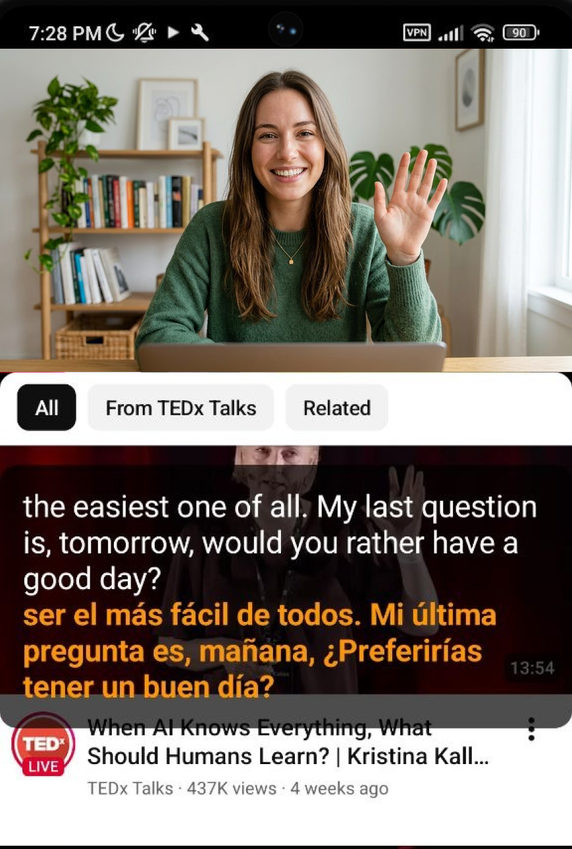
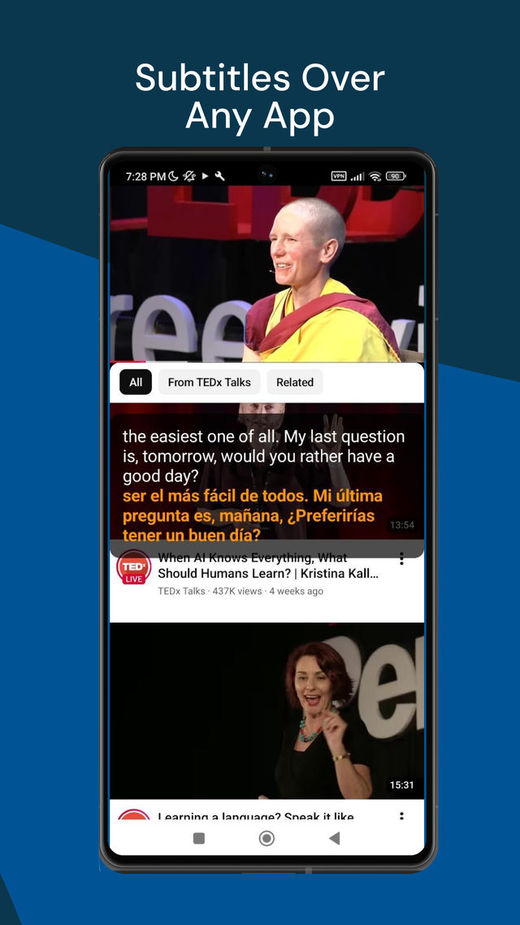
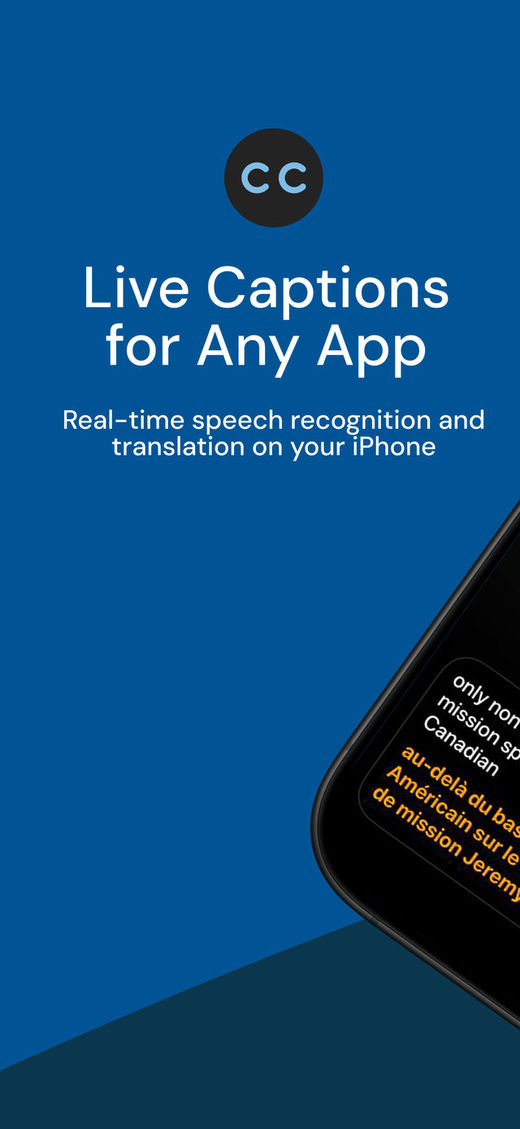
Live captions on any app
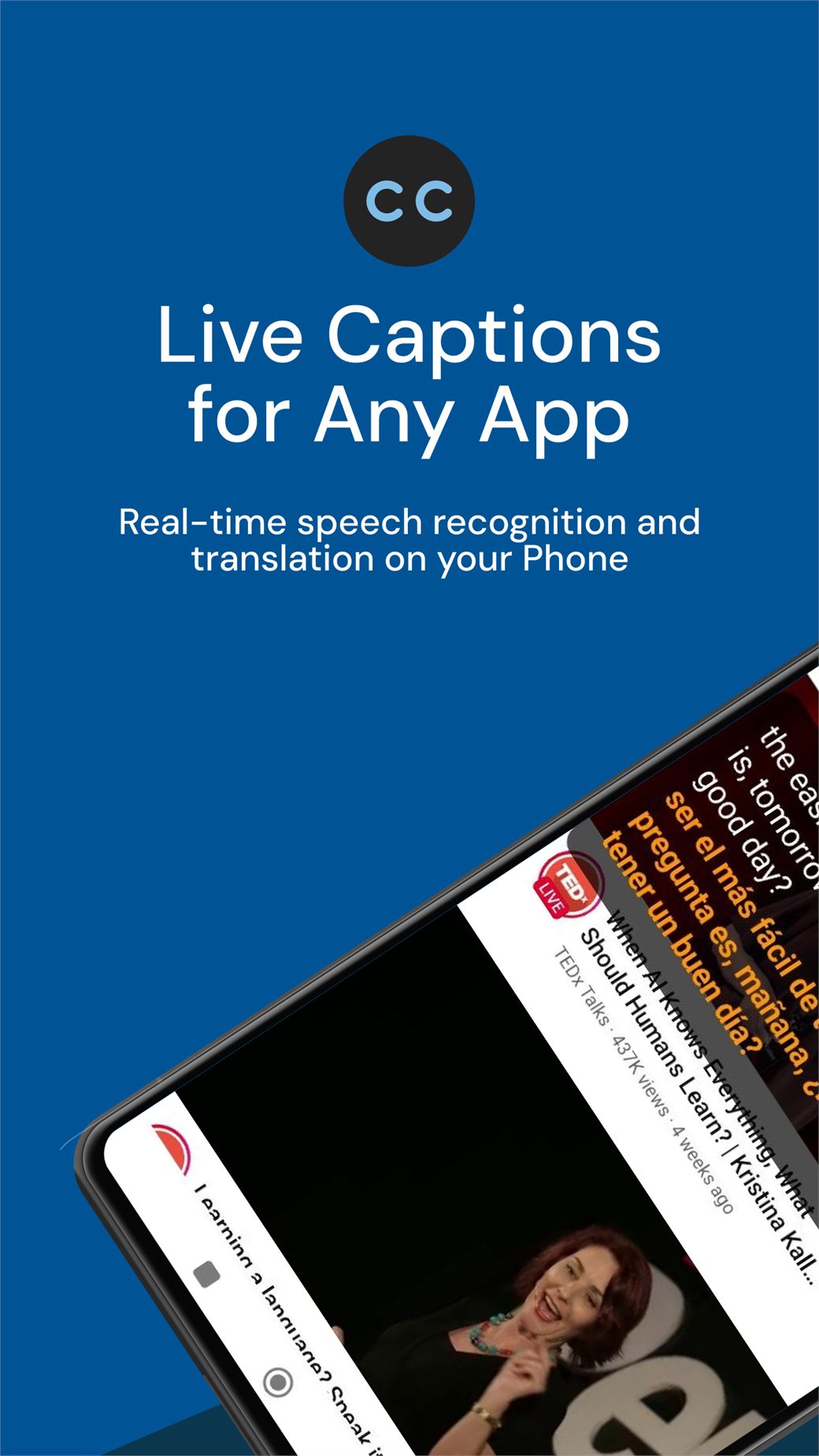
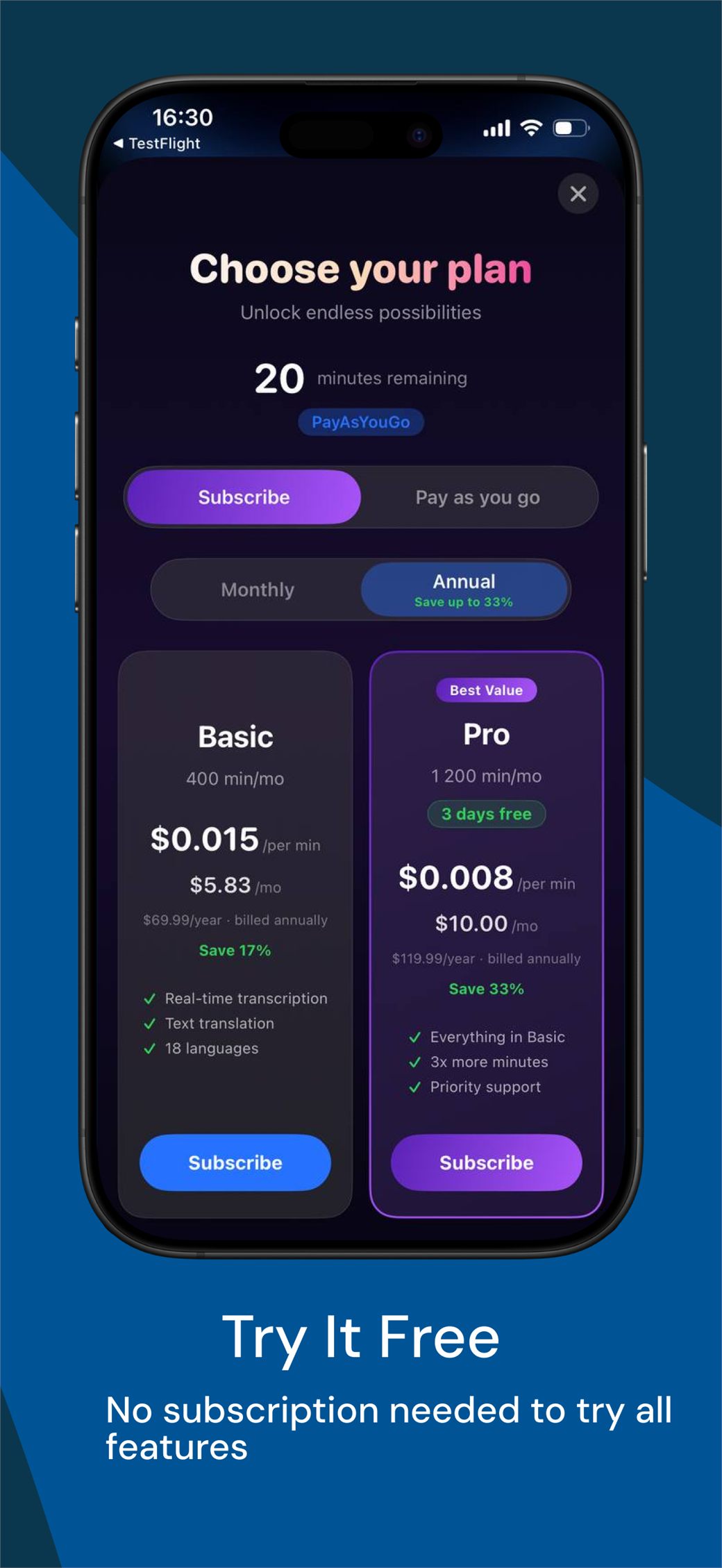
Two steps, and it keeps up on its own
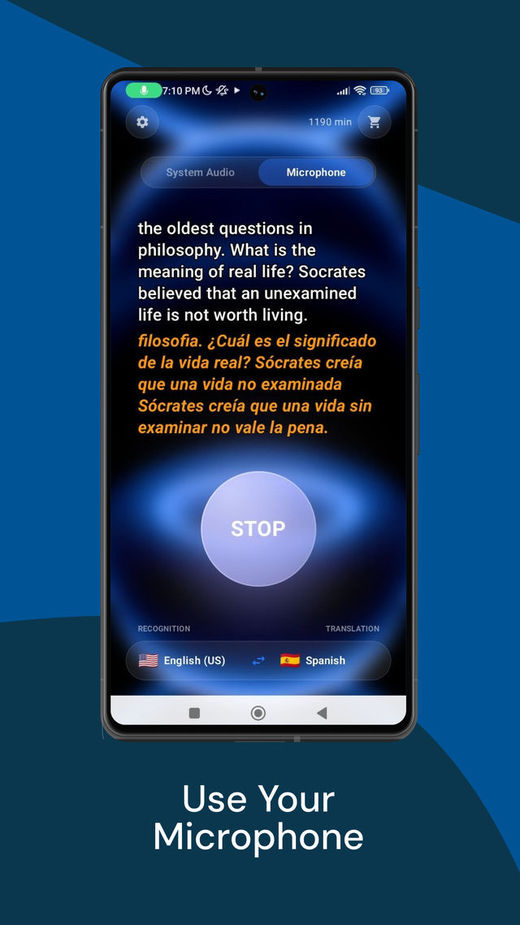
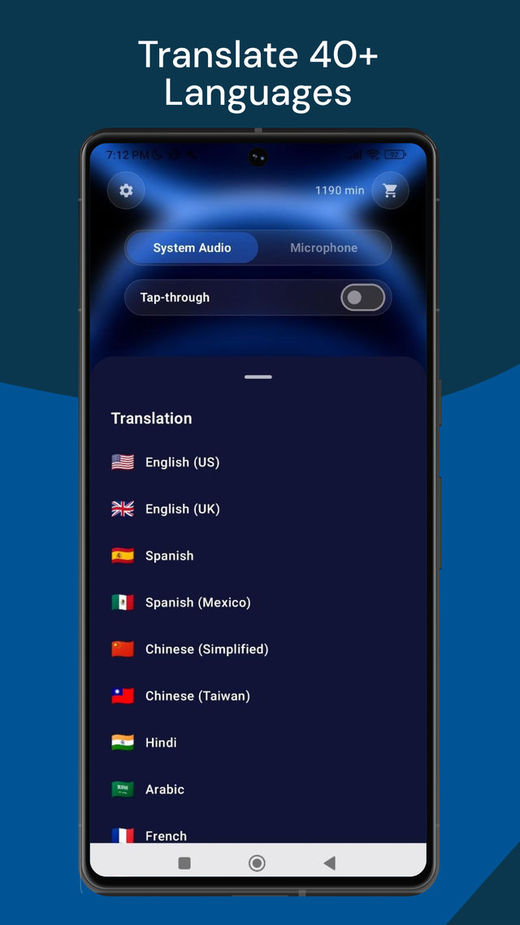
Pick two languages
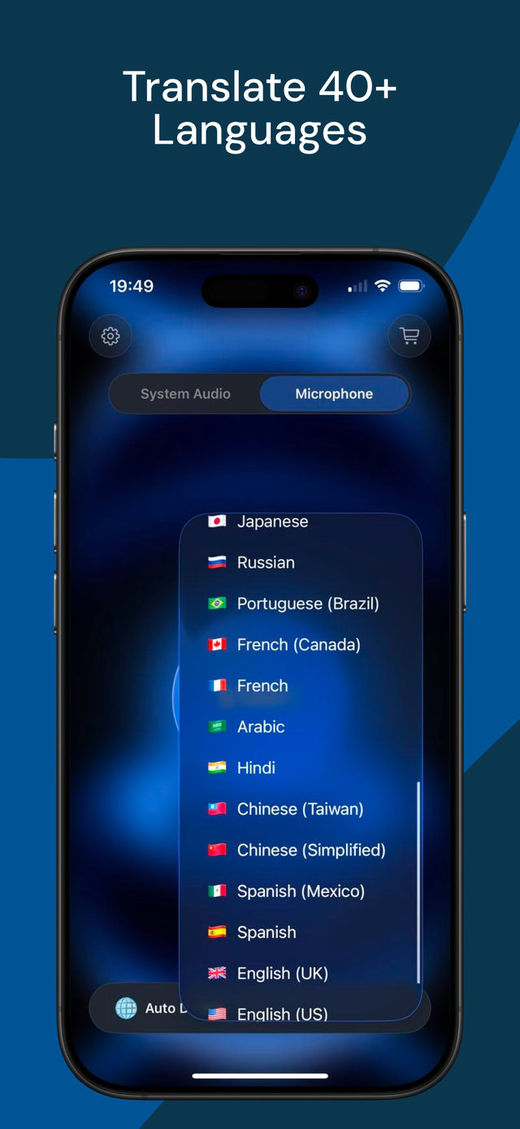
Choose the language being spoken and the language you want to read. You can swap them mid-session without stopping.
It follows the sound
Captions appear while there is speech and pause after a few seconds of silence, so quiet stretches do not eat your minutes. For the calls you use it in, it learns the pattern and starts the session by itself.
Why not the tools you have already tried
Most options solve one part of the problem. System captions cannot translate, browser extensions stop working outside the browser, and meeting assistants have to join the call as a participant.
| Tool | Works in any app, not only a browser | Shows the original and the translation together | Nothing joins your call |
|---|---|---|---|
| Built-in system captions | Yes | No | Yes |
| Browser extensions | No | Yes | Yes |
| Meeting assistants that join the call | No | No | No |
| Live Subtitles | Yes | Yes | Yes |
See it in action
Features
Dual Subtitles
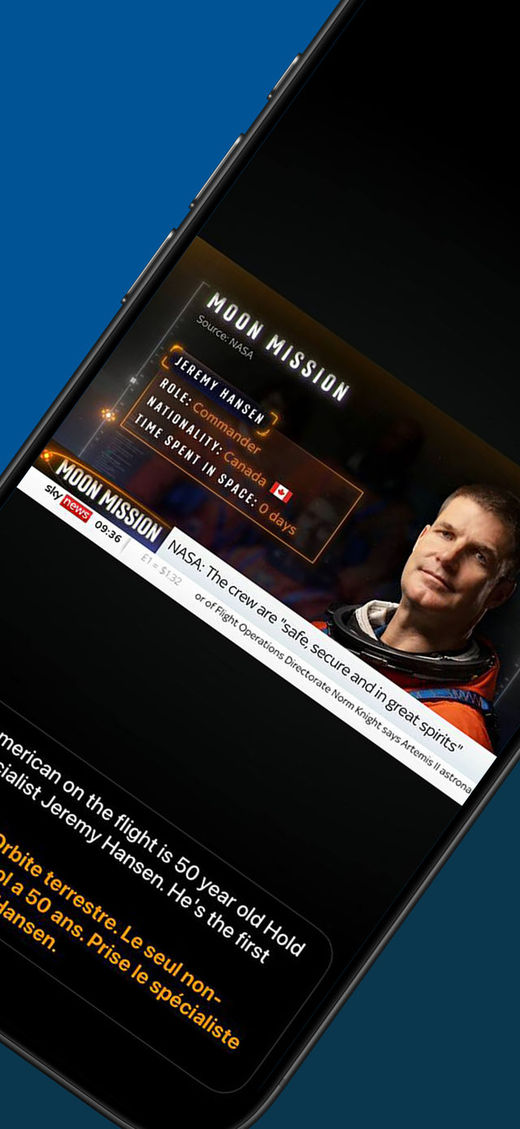
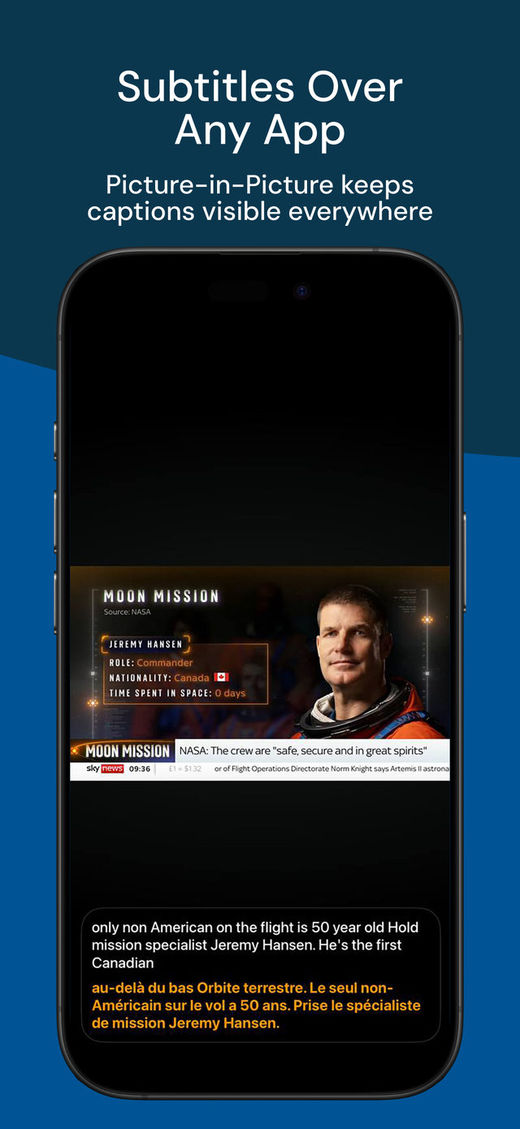
The original line and your translation stay on screen together, so you can check what was actually said.
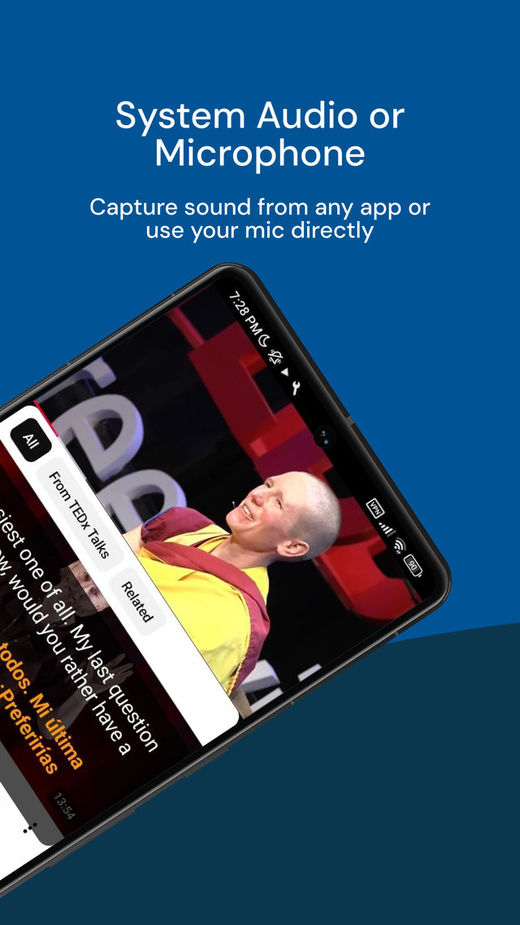
System audio or microphone
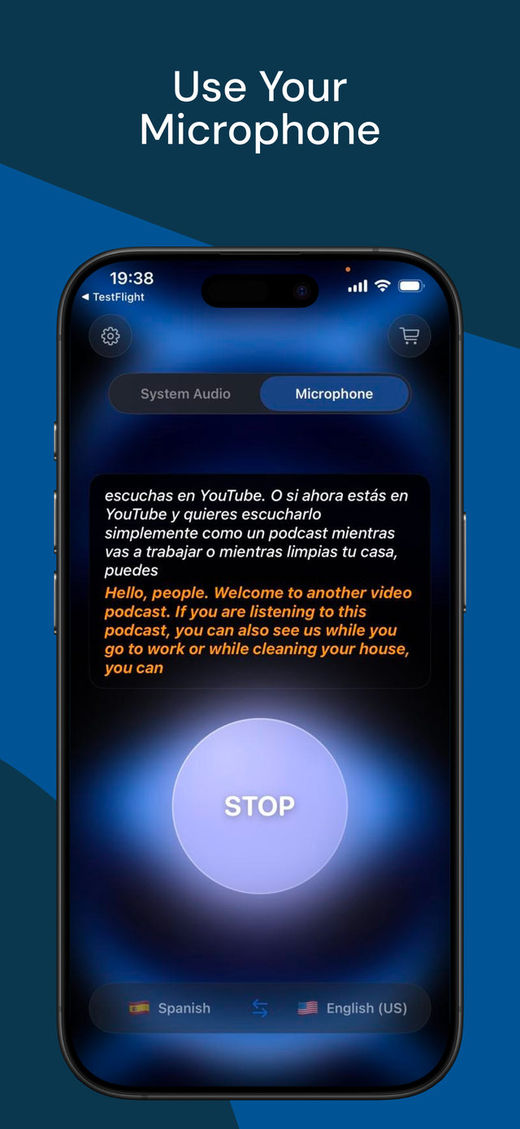
Caption the audio your device is playing — no mic, no room noise, nothing drifting out of sync. Or switch the source to the microphone to caption a talk, a lecture or a conversation happening in front of you.
Real-time Translation
Watch movies and participate in calls understanding everything immediately, without asking again.
Works with All Apps
Works on top of any window — video calls, streaming, players and browsers — with nothing to set up for each app.
Live Voice
Hear the translation spoken out loud while the original audio keeps playing underneath. On Windows, for the languages Live Voice supports.
Works with any app — no limits
-
 Zoom
Zoom
-
 Microsoft Teams
-
 Google Meet
-
 Skype
Skype
-
 Slack
Slack
-
 Discord
-
 Telegram
-
 WhatsApp
-
 Viber
Viber
-
 WeChat
-
 YouTube
-
 Twitch
-
 Instagram
-
 TikTok
-
 LinkedIn
…and anything else that plays sound on your device.
What happens to your audio
Recognition and translation run on our providers' servers, so the app needs an internet connection. Audio is streamed only while a session is running and we do not record it. Captions are drawn on your screen only — nobody else in the call sees them.
User Reviews
"This is the best live caption app for Windows. Really cool!"
"I didn't think it could work this well — compliments to the developers!"
"I love it. After trying other apps, this one feels just right: lightweight and effective."
"The English translation is spot-on — it's been a huge help for my study group. Thank you to the team!"
"It really helps you follow the context and keep the conversation going, and the subscription plans are practical."
"If you're a broke K-pop stan, I'd recommend this for Weverse live streams."
Frequently Asked Questions
How much does the app cost?
Does it work with all applications?
What languages are supported?
Do I need a microphone, and will other people hear anything?
How is this different from the live captions built into Windows?
Can it read the translation out loud?
Is an internet connection required?
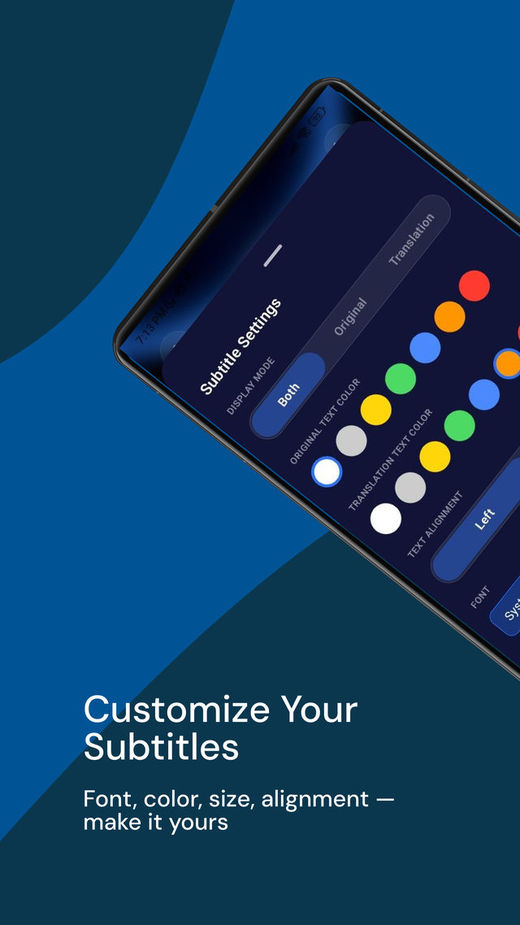
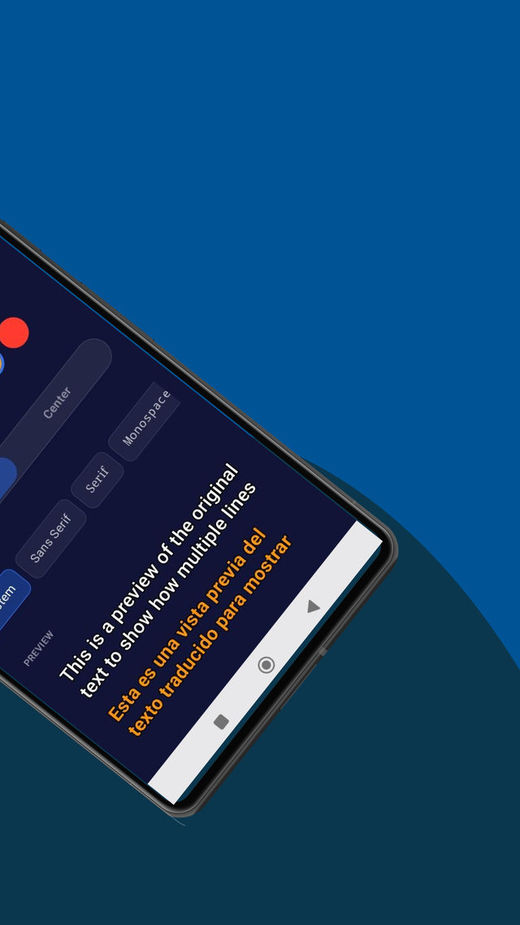
Can I customize the appearance of subtitles?
Which platforms is Live Subtitles available on?
Try it free right now
Install it and choose two languages — it takes it from there.
Free to try · No credit card required




Live captions & dual subtitles on Android →