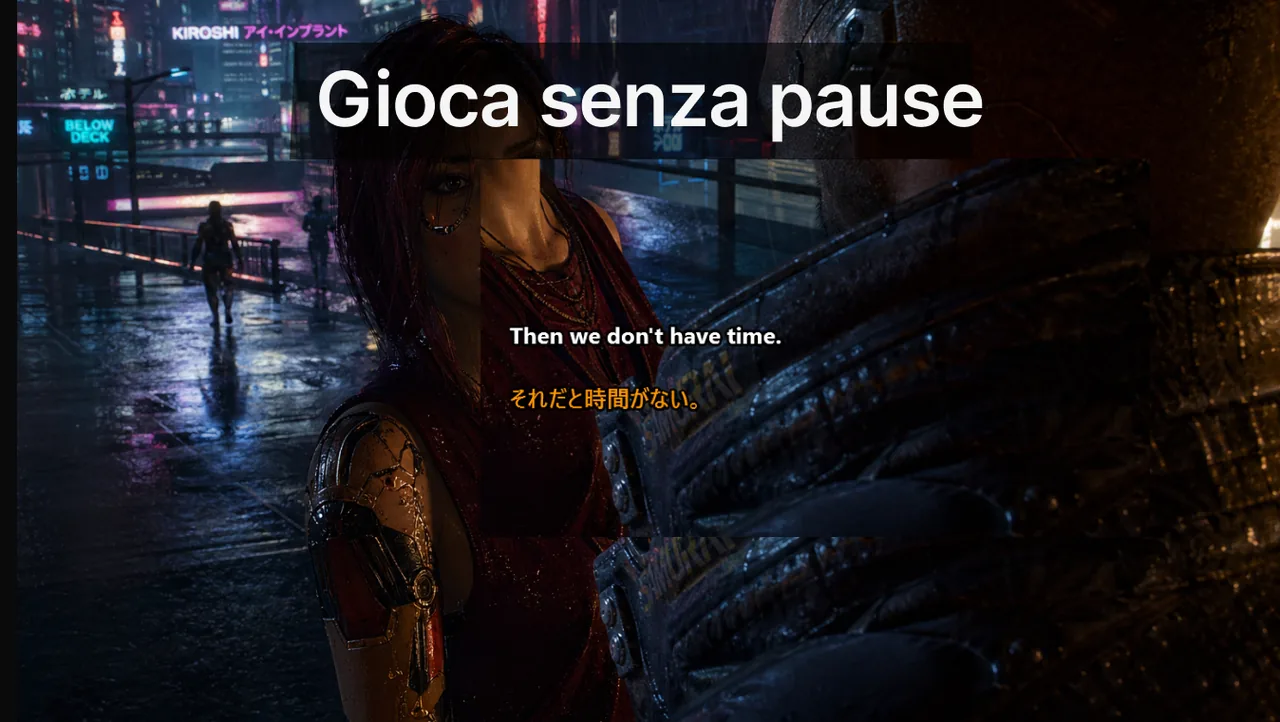
Nei giochi veloci la qualità dei sottotitoli dipende molto meno dallo stile e molto di più dalla disciplina di layout. Un overlay leggibile deve sostenere le tue decisioni, non competere con la HUD. In una partita classificata di FPS o MOBA non hai il tempo di "leggere" un sottotitolo: devi coglierlo con la coda dell'occhio in una frazione di secondo, senza staccare lo sguardo dal mirino o dalla minimappa. Questa guida raccoglie impostazioni pratiche di posizione, densità, contrasto e tipografia pensate proprio per questo: comunicare senza rubare attenzione al gioco.
Indice
- Regole di posizionamento
- Regole di densità e formattazione
- Regole di stabilità dell'interazione
- La geometria cognitiva delle HUD competitive
- La regola delle "zone interdette"
- Una tipografia che sopravvive nella visione periferica
- Regole di densità: quanto testo al secondo
- Strategia di preset per tipo di gioco
- La disciplina del "profilo congelato"
- Principio finale: i sottotitoli servono il gioco, non il contrario
- Risorse correlate
Regole di posizionamento
Il posizionamento è la decisione più importante e quella che la maggior parte dei giocatori sbaglia. Una riga di testo nel punto sbagliato non ti fa solo "vedere meno mappa": sopprime attivamente la percezione dei cambiamenti della HUD, perché l'attenzione periferica è una risorsa finita.
- Tieni i sottotitoli nell'area in basso al centro o in basso a sinistra, lontano dalla traiettoria del mirino.
- Evita i bordi dove minimappa, kill feed o cooldown delle abilità competono già per la tua attenzione.
- Non cambiare posizione a metà sessione, a meno che un conflitto visivo non sia davvero critico.
- Lascia un margine di sicurezza: il testo non deve mai toccare gli elementi di stato che cambiano da soli.
Regole di densità e formattazione
Un errore comune è trattare i sottotitoli come una chat: accumulare più righe e far scorrere quelle vecchie verso l'alto. Nel gioco competitivo è sbagliato. Lo schermo dovrebbe mostrare solo le 1-2 righe più recenti e scartarle entro 2-3 secondi.
- Preferisci 1 o 2 righe brevi a lunghi paragrafi che vanno a capo.
- Usa testo ad alto contrasto e opacità di sfondo moderata.
- Aumenta leggermente l'interlinea per migliorare la lettura periferica.
- Evita font decorativi: rallentano la velocità di riconoscimento delle parole.
Regole di stabilità dell'interazione
- Attiva la modalità Lock/Game Mode prima di entrare in coda.
- Usa Ctrl+Shift+L come interruttore d'emergenza immediato.
- Usa la modalità a schermo intero senza bordi (Borderless Fullscreen) per mantenere visibile l'overlay del desktop.
- Riprova le impostazioni dopo ogni patch importante del gioco: gli aggiornamenti spostano spesso gli elementi della HUD.
La geometria cognitiva delle HUD competitive
Le HUD di FPS e MOBA sono progettate partendo dal presupposto che il giocatore abbia circa il 70% dell'attenzione visiva disponibile per il mondo di gioco e il 30% per gli elementi dell'interfaccia. Ogni overlay aggiuntivo — sottotitoli, indicatori di chat vocale, riquadri del gruppo — compete per quel 30%. Posiziona un sottotitolo nella zona sbagliata e non perdi solo qualche dettaglio della mappa: smetti di accorgerti dei cambiamenti di stato (abilità pronta, munizioni in esaurimento, ultimate disponibile) proprio perché la percezione periferica è limitata.
La regola delle "zone interdette"
Prima di scegliere la posizione dei sottotitoli, individua le "zone interdette" della HUD: le aree dove il motore di gioco mostra informazioni critiche in momenti imprevedibili. Un sottotitolo dentro o accanto a una zona interdetta ti costringe a guardare la cosa sbagliata oppure a perdere del tutto il segnale del gioco.
| Genere | Zone interdette | Zona sicura per i sottotitoli |
|---|---|---|
| FPS tattico | Mirino, minimappa, kill feed | In basso a sinistra, ~30% dal fondo |
| Battle Royale | Contatore munizioni, bussola, kill feed, ruota dei ping | In basso al centro, sopra le munizioni, ~20% dal fondo |
| MOBA | Minimappa, barra delle abilità, popup punteggio | In basso al centro, tra il ritratto e la barra delle abilità |
| Raid MMO | Riquadri del gruppo, barra di lancio, frame del boss | In alto a destra, accanto ai riquadri del gruppo |
Una tipografia che sopravvive nella visione periferica
La visione periferica perde rapidamente capacità in due ambiti: la discriminazione dei colori e il riconoscimento della forma delle lettere. Un font che si legge benissimo sotto lo sguardo diretto può diventare illeggibile quando la tua attenzione foveale è puntata sul mirino.
- Peso del font: da medio a grassetto. I font sottili scompaiono nella visione periferica.
- Spaziatura tra le lettere: leggermente più larga del valore predefinito. Una crenatura compressa appare "sfocata" fuori asse.
- Altezza di riga: 1,4-1,6×. Un'interlinea troppo stretta fa "fondere" le righe nella visione laterale.
- Contorno: bordo scuro da 1-2 px. È la singola impostazione che porta il maggior guadagno di leggibilità nelle scene HDR e luminose.
- Evita il corsivo: le forme in corsivo riducono la velocità di riconoscimento del 5-10% anche al centro del campo visivo.
Regole di densità: quanto testo al secondo
La quantità di testo a schermo è importante quanto la sua posizione. Più righe accumuli, più costringi l'occhio a scorrere invece di dare una semplice occhiata.
- Numero massimo di righe visibili: 2 negli FPS, 2-3 nei MOBA, 3 nei raid MMO.
- Caratteri massimi per riga: circa 40. Oltre questa soglia l'occhio deve scansionare il testo, non coglierlo.
- Tempo di scomparsa: 2,0 s negli FPS, 2,5 s nei Battle Royale, 3,0 s nei MOBA, 3,5 s nei raid.
- Consenti il blocco: un singolo tasto rapido per "congelare" il sottotitolo corrente, utile per recuperare un "puoi ripetere?" senza disturbare la voce del compagno.
Strategia di preset per tipo di gioco
Ogni genere ha esigenze diverse di velocità e dettaglio. Salva un preset distinto per ciascuno e non improvvisare in partita.
Preset FPS: piccolo, veloce, basso
L'FPS tattico premia il tempo di reazione più del dettaglio della comunicazione. I sottotitoli devono essere compatti, scomparire in fretta e restare sotto il piano del mirino per non attirare lo sguardo verso l'alto durante un peek. Dimensione del font: 16-18 px a 1080p, 22-24 px a 1440p, 28-32 px a 4K. Usa uno sfondo a gradiente leggero (opacità 0-30%) in modo che i sottotitoli non coprano mai la sagoma delle armi negli angoli bui.
Preset Battle Royale: equilibrio tra bussola e munizioni
Il Battle Royale richiede una consapevolezza periferica costante di munizioni e bussola. Posiziona i sottotitoli appena sopra il contatore delle munizioni ma sotto la minimappa. Usa un tempo di scomparsa un po' più lungo (2,5 s), perché le chiamate nei BR sono più strategiche e meno reattive rispetto agli FPS puri.
Preset MOBA: lontano dalla barra delle abilità
Il MOBA è basato sul ritmo: i cooldown guidano le decisioni. La barra delle abilità non deve mai condividere lo spazio visivo con una riga di sottotitolo, altrimenti rischi di sbagliare il timing della combo. Fissa i sottotitoli circa il 5-10% sopra la barra delle abilità, con un margine orizzontale del 20% per lato.
Preset raid MMO: in coppia con i riquadri del gruppo
Nei raid il caposquadra emette chiamate più lunghe: "interrompi il prossimo lancio, cambia postura, usa la difensiva al pull". Servono un tempo di scomparsa di 3,5 secondi e una posizione accanto ai riquadri del gruppo, così il giocatore può associare "tank, difensiva al pull" alla barra della vita del tank citato.
La disciplina del "profilo congelato"
Scegli un preset per genere. Salvalo. Non modificarlo tra una sessione e l'altra. Ritoccare l'aspetto in classificata è una forma di tilt: sembra produttivo ma non porta alcun guadagno di prestazioni e rischia di rompere una configurazione che funziona. Se un preset fallisce davvero — misurato sul tasso di ripetizioni o di rotazioni sbagliate su un'intera settimana, non su una singola partita — pianifica una sessione di revisione di 30 minuti fuori dal tempo classificato.
Suggerimento: l'app Live Subtitles consente di salvare profili distinti e richiamarli con un tasto rapido. Crea un profilo "FPS", uno "MOBA" e uno "Raid" una sola volta, poi dimenticati di toccare le impostazioni durante il gioco.
Principio finale: i sottotitoli servono il gioco, non il contrario
Il miglior test per un preset di sottotitoli è semplice: dopo un'ora di gioco, sapresti descrivere com'era la posizione dei tuoi sottotitoli? Se la risposta è sì, il preset è troppo evidente e sta rubando attenzione al gioco. Se non te lo ricordi, il preset sta facendo il suo lavoro: comunicare senza competere.
Risorse correlate
- Pagina dei sottotitoli in Game Mode
- Guida alla configurazione competitiva
- Manuale di risoluzione dei problemi
- Flusso di lavoro per le squad su Discord
Usa un preset per ogni tipo di gioco
La coerenza vale più di infiniti ritocchi visivi. Configura i tuoi preset una volta con Live Subtitles e concentrati sulla partita.
Scarica gratis