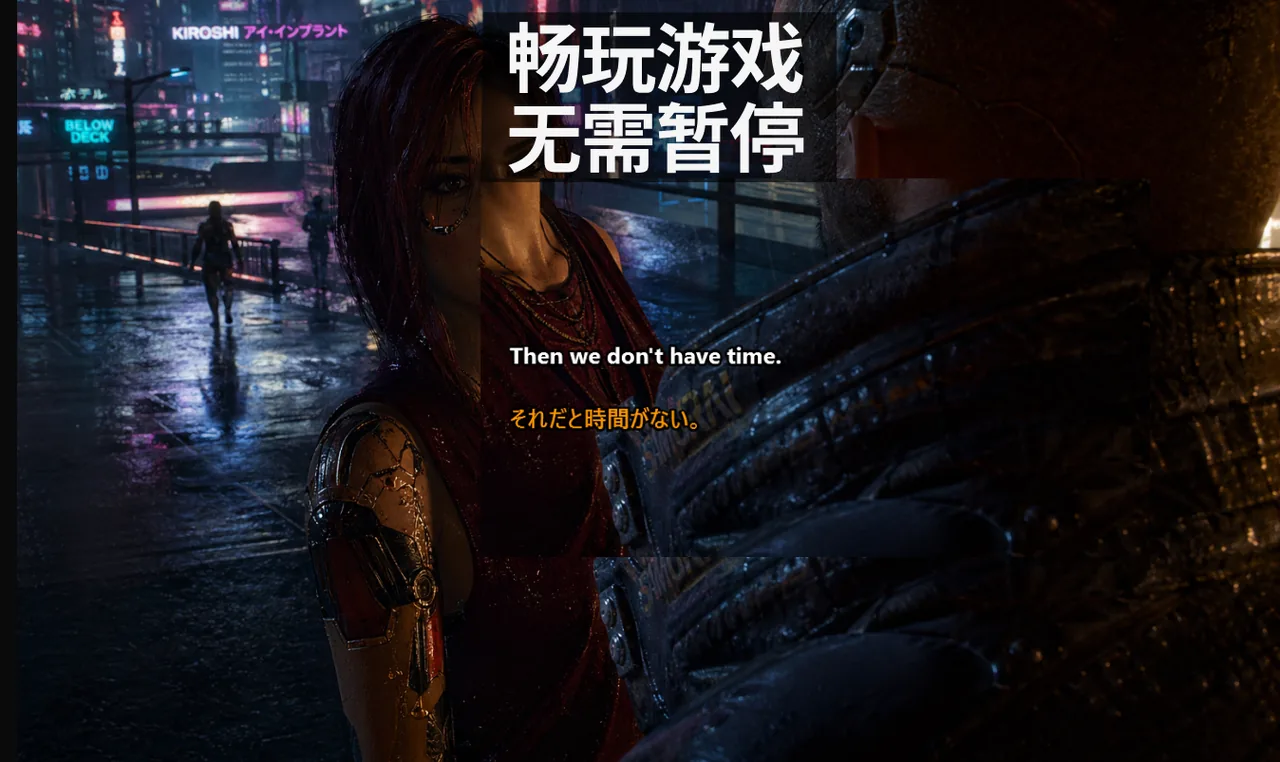
在排位赛中,玩家输掉对局往往不是因为字幕"不好用",而是因为沟通不稳定:覆盖层意外抢夺焦点、快速报点模糊不清、多语言语音中的关键信息被遗漏。本指南专注于在竞技环境中构建可靠的 Game Mode 字幕工作流——从渲染路径到队伍词汇表,逐层解决问题。
目录
核心原则:稳定性优先于视觉调整
字体样式的重要性远低于交互行为。如果覆盖层能在关键时刻抢走鼠标焦点,整个系统就是失败的。竞技场景下,锁定行为、快捷键可控性和可预测的全屏渲染,三者缺一不可。很多玩家花大量时间调整字幕颜色和背景透明度,却对锁定模式是否生效毫不在意——这是本末倒置的做法。
稳定的字幕配置意味着:每次启动游戏时,覆盖层都在同样的位置、以同样的行为运转,无论是否刚刚更新了显卡驱动,也无论队友的语言设置如何。这才是竞技字幕的真正价值所在。
推荐基线配置(五步完成)
以下步骤适用于绝大多数竞技游戏,是经过反复验证的最小可靠配置:
- 进入排队前先开启 Lock/Game Mode,确保覆盖层处于穿透状态。
- 将 Ctrl+Shift+L 设为唯一的紧急切换快捷键,不要另设多个热键。
- 将游戏显示模式设置为无边框全屏(Borderless Fullscreen),而不是独占全屏。
- 将字幕位置固定在画面下方的视野焦点区域附近,一旦确定就不要再移动。
- 使用简短、高对比度的字幕样式,方便用余光快速扫读。
这五步不需要每局都重新配置。一旦跑通,就把这套配置保存为专属的"竞技档案",整个赛季沿用同一份档案。
三层模型:渲染 → 交互 → 沟通
要快速诊断 Game Mode 问题,需要把覆盖层拆解成三个独立的层次。每一层的故障原因不同,修复位置也不同。
第一层:渲染路径
字幕窗口是否可见,取决于游戏的显示模式。独占全屏使用专用的交换链,会屏蔽桌面合成器的所有窗口,这就是为什么某些游戏在激战时"丢失"字幕覆盖层的原因。切换至无边框全屏(有时标注为"全屏窗口")可让合成器继续接管渲染,字幕始终可见。在 Windows 11 上,这种模式同时支持 Auto HDR,不会牺牲游戏画质。
第二层:交互路径
如果覆盖层可见但意外抢夺了焦点,鼠标点击就会落在字幕窗口上而不是游戏里——这在需要精准操作的关键时刻是致命的。通过 Ctrl+Shift+L 开启的 Lock/Game Mode 可让覆盖层进入穿透状态:输入事件直接传递给游戏,字幕照常渲染,窗口焦点不会丢失。每次进队前务必确认锁定状态。
第三层:沟通路径
即使渲染和交互都完美,如果报点本身杂乱无章,字幕依然无法发挥作用。字幕引擎无法从说话者从未清晰表达的内容中恢复出意义。队伍层面的词汇纪律,才能把一条嘈杂的语音报点转化为可用的字幕行。
提升报点质量的队伍工作流
赛前准备
- 统一全队的核心报点词汇,消除同义词混用。
- 一次性定好地图术语和缩写,此后保持不变。
- 确认每名队员使用相同的锁定切换行为,防止有人意外解锁。
- 在 Discord 公告栏置顶当前赛季的字幕配置快照,包括版本号和修改日期。
对局中
- 优先使用简短报点:动作 + 位置 + 时机,三要素全部到位。
- 在激战高峰期避免长篇解释,留到回合结束后再讨论。
- 高风险转移路线时,用字幕确认语音信息,减少误操作。
- IGL(指挥)在发布关键指令时语速放慢一档,确保字幕引擎能完整识别。
赛后复盘
- 收集每场 5 至 10 个反复出现的报点模式。
- 删除导致混淆的模糊表达,用更精确的词替换。
- 在 Discord 置顶更新后的队伍词汇表,注明版本日期。
- 下一场前花两分钟过一遍词汇表,强化肌肉记忆。
可见性限制:必须提前说清楚的事
某些独占全屏渲染路径会隐藏桌面覆盖层。这是渲染路径的系统限制,不是字幕引擎的 bug。下列情形会导致覆盖层消失:
- 游戏以独占全屏模式运行(部分老游戏默认如此)。
- 显卡驱动在某次更新后改变了合成器优先级。
- 多显示器环境下覆盖层被渲染到非主屏幕的合成器上。
操作可靠性的最佳实践是:凡是重要对局,一律使用无边框全屏。如果游戏强制独占全屏,请参阅 全屏覆盖层故障排查手册 中的强制合成器方案。
各游戏类型的基线配置表
以下表格是经过社区验证的开箱即用配置,可直接作为你队伍档案的起点:
| 游戏类型 | 显示模式 | 字幕位置 | 超时时间 |
|---|---|---|---|
| 战术FPS(CS2、Valorant) | 无边框全屏 | 左下角,避开 HUD | 2.0 秒 |
| 大逃杀(Apex、PUBG) | 无边框全屏 | 下方中部,弹药栏上方 | 2.5 秒 |
| MOBA(LOL、Dota 2) | 无边框全屏 | 下方中部,远离小地图 | 3.0 秒 |
| MMO 团本(WoW、FFXIV) | 无边框全屏 | 右上角,团队框架附近 | 3.5 秒 |
进队前90秒检查清单
这份清单应在每次点击"开始游戏"前完成,全程不超过90秒:
- 确认 Lock/Game Mode 已开启——系统托盘图标应为绿色锁定状态。
- 按一次 Ctrl+Shift+L,观察覆盖层短暂闪烁——确认快捷键已绑定。
- 打开游戏窗口,字幕框应悬浮在游戏上方且不抢夺焦点。
- 说一句短测试语音,字幕应在 600 毫秒内出现。
- 将鼠标快速划过字幕区域,准心不得"吸附"到覆盖层边缘。
如果任何一步失败,不要进入排队。在回合间隙处理渲染 bug,才是真正让你输掉比赛的原因。
值得追踪的关键指标(KPI)
如果你在认真管理战队,以下指标能帮你量化字幕工作流的实际效果:
- 重复请求次数:每场比赛中"再说一遍?"出现的频率,目标是每场低于 2 次。
- 报点延迟:从语音发出到队友做出反应的时间差,理想值低于 1.5 秒。
- 误读事件:因语音信息不清导致的错误转移路线或错误行动次数。
- 关键时刻沟通质量:由 IGL 在赛后对每个关键时刻沟通效果打的主观分数。
建立这套记录习惯后,通常在两到三周内就能看到明显的趋势:哪个玩家的报点最容易被误识别,哪个地图的术语混淆最严重。
配置漂移:大多数玩家从未达到稳定竞技字幕设置的真正原因
字幕"在排位赛中不稳定"的最大原因不是字幕引擎本身,而是配置漂移。玩家在每次更新后调整透明度、字体大小和超时设置,然后忘记哪个版本有效。下一个排位之夜,一半的覆盖层行为不同,全队开始怪罪工具本身。
本指南将配置视为一个"冻结的工件":一旦某个竞技版本调试好,在整个赛季中途就不要再动它。以下是三种最常见的配置漂移模式及其预防方法:
- 透明度滑块蔓延:玩家在每次更新后以"可见性问题"为由增加透明度。三次更新后字幕变成遮住 HUD 的实心块。将透明度锁定在 70%,禁止赛季中途调整。
- 每次重装都换新快捷键:驱动更新会重置快捷键。在 Discord 置顶消息中保留一行注释:"Ctrl+Shift+L = 字幕锁定切换",每次 Windows 功能更新后重新验证。
- 浮动覆盖层:在每次类型切换前手动拖动覆盖层位置,会在多显示器环境中把位置偏移到错误的屏幕。为每个游戏档案指定固定位置,绝不手动拖拽。
直播与排位同时进行的特殊情况
如果你在打排位的同时开播,不要为直播运行独立的字幕配置档案。使用单一配置档案,让 OBS 捕获包含字幕框的桌面画面即可。两个同时运行的覆盖层引擎会争夺输入焦点,重新引入 Lock Mode 设计用来消除的那种不稳定性。单档案策略同时保证了你的游戏体验和观众的观看体验。
关于在直播平台上配置字幕的更多细节,可参阅 面向主播的字幕配置指南。
字幕完美运行但比赛依然混乱怎么办
如果字幕正常工作,但每局对话依然一片混乱,问题出在沟通上,而不是渲染上。回头重读上方的队伍工作流章节,制定一份10个词条的词汇表并置顶。字幕层无法拯救结构混乱的报点,它只能让有结构的报点被更快解析。
真实数据:锁定配置后的效果
来自一支 CS2 战队整个排位赛季的匿名数据:在战队锁定每个地图池专属字幕档案后,平均"重复报点"次数从每场 4.1 次降至 1.6 次。这一改进不来自功能变更,而来自消除配置差异。这也是为什么本指南如此强调"冻结"的原因——稳定性本身就是一种竞技优势。
想了解 Live Subtitles 如何在不同语音聊天平台上保持同等稳定性,可参阅 多语言语音聊天中的字幕策略。