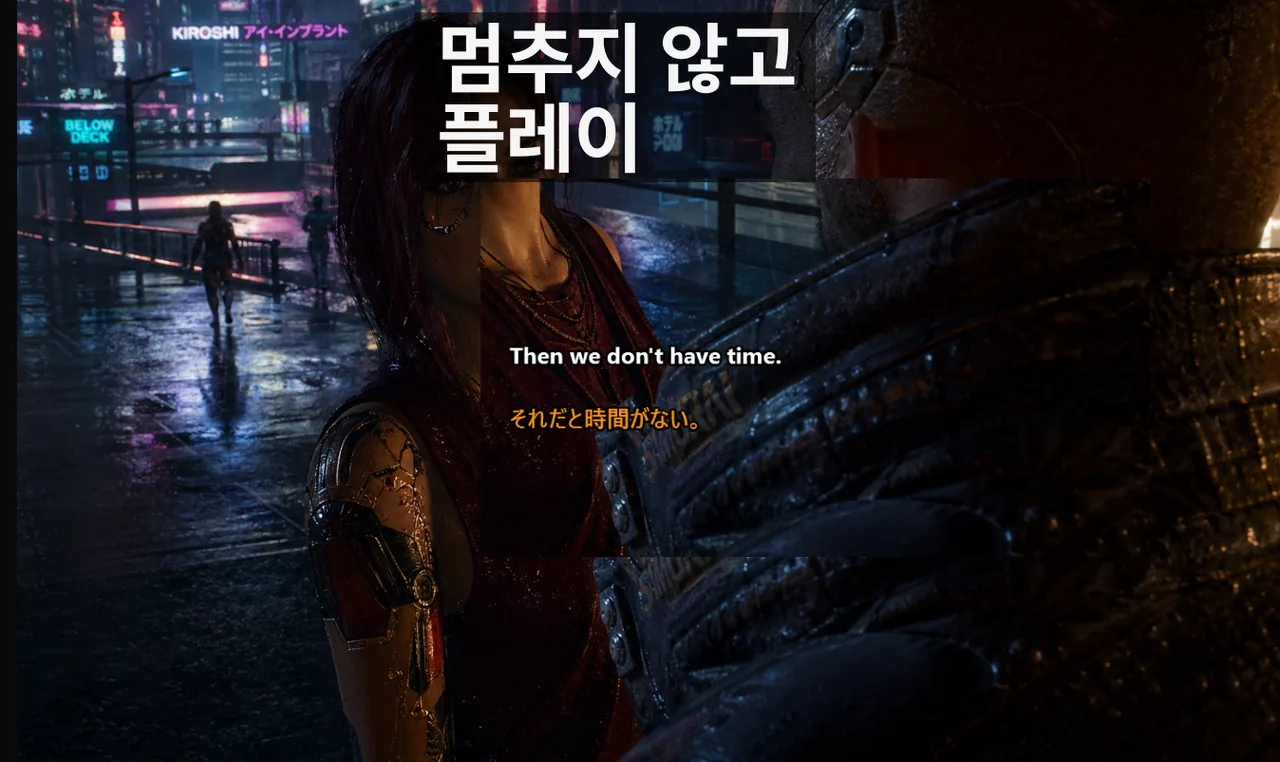
경쟁전에서 라운드를 잃는 이유는 자막이 "나쁘기" 때문이 아닙니다. 실제 원인은 불안정한 커뮤니케이션에 있습니다. 실수로 오버레이와 상호작용하거나, 빠른 콜아웃이 불명확하거나, 다국어 보이스 채팅에서 중요한 맥락을 놓치는 것이 문제입니다. 이 가이드는 경쟁 게임에서 Game Mode 자막을 안정적으로 구성하는 데 집중합니다. 외관 조정이 아니라 동작 신뢰성이 핵심입니다.
목차
핵심 원칙: 시각 조정보다 안정성 우선
폰트 스타일은 상호작용 동작보다 덜 중요합니다. 결정적인 순간에 오버레이가 집중력을 빼앗을 수 있다면 시스템은 실패합니다. 잠금 동작, 명확한 단축키 제어, 예측 가능한 전체화면 렌더링을 우선시해야 합니다.
경쟁전 플레이어들이 자막 설정에서 가장 많이 저지르는 실수는 매 세션마다 투명도, 폰트 크기, 표시 시간을 조금씩 바꾸는 것입니다. 처음에는 사소해 보이지만, 몇 번의 패치가 지나면 오버레이가 HUD를 가리는 거대한 블록이 되어 있습니다. 경쟁 빌드를 한 번 최적화했다면, 그것을 동결된 상태로 유지하는 것이 가장 중요한 원칙입니다.
권장 기본 설정
대기열에 진입하기 전에 다음 설정을 순서대로 확인하십시오. 각 단계는 독립적으로 작동하지만, 모두 갖춰져 있을 때 시너지를 발휘합니다.
- 대기열 진입 전에 Lock/Game Mode를 활성화합니다.
- 비상 토글로 Ctrl+Shift+L을 단일 단축키로 설정합니다.
- 게임 표시 모드를 보더리스 전체화면(Borderless Fullscreen)으로 설정합니다.
- 자막 위치를 화면 하단 시선 영역 근처에 고정합니다.
- 주변 시야로도 읽을 수 있도록 짧고 고대비 자막 스타일을 사용합니다.
3계층 멘탈 모델: 렌더, 인터랙션, 커뮤니케이션
Game Mode 문제를 빠르게 진단하려면 오버레이 스택을 세 가지 독립적인 계층으로 나누십시오. 각 계층은 다른 이유로 실패하고 다른 방식으로 수정됩니다.
계층 1: 렌더 경로
자막 창이 실제로 보이는지 여부는 게임의 표시 모드에 달려 있습니다. 독점 전체화면(Exclusive Fullscreen)은 데스크탑 컴포지터 표면을 숨기는 전용 스왑 체인을 사용합니다. 이 때문에 일부 게임에서 결정적 순간에 자막 오버레이가 "사라지는" 현상이 발생합니다. 보더리스 전체화면(경우에 따라 "Fullscreen Windowed"라고도 표시됨)으로 전환하면 컴포지터가 계속 관리하여 오버레이 가시성을 유지합니다. Windows 11에서는 이 설정이 Auto HDR도 유지하면서 오버레이 가시성을 보장합니다.
계층 2: 인터랙션 경로
오버레이가 보이지만 실수로 포커스를 가져가면, 마우스 클릭이 게임이 아닌 자막 창에 전달됩니다. Ctrl+Shift+L로 토글되는 Lock/Game Mode는 오버레이를 패스스루(pass-through)로 만듭니다. 입력 이벤트는 게임으로 전달되고, 오버레이는 계속 렌더링되며, 총격 중에 탭을 잃는 일이 없습니다.
계층 3: 커뮤니케이션 경로
렌더링과 잠금 오버레이가 완벽하더라도, 콜아웃이 구조적이지 않으면 자막은 실패합니다. 자막 엔진은 화자가 명확하게 전달하지 않은 의미를 복구할 수 없습니다. 팀 단위의 어휘 훈련이 노이즈 많은 콜아웃을 사용 가능한 자막 라인으로 변환합니다.
콜아웃 품질을 향상시키는 팀 워크플로
기술적 설정만큼 중요한 것이 팀의 커뮤니케이션 프로토콜입니다. 자막은 도구일 뿐이며, 도구의 효과는 사용하는 방식에 달려 있습니다.
경기 전 준비
- 팀 전체에서 핵심 콜아웃 어휘를 통일합니다.
- 맵 용어와 약어를 한 번 정의하고 일관되게 유지합니다.
- 모든 팀원이 동일한 잠금 토글 동작을 사용하는지 확인합니다.
- 자막 위치와 표시 시간이 모든 팀원에게 동일한지 점검합니다.
경기 중
- 짧은 콜아웃을 선호합니다: 행동 + 위치 + 타이밍.
- 전투가 최고조에 달한 시점에 긴 설명을 피합니다.
- 고위험 로테이션에서 자막 확인을 활용합니다.
- 동시에 여러 명이 말하는 상황을 최대한 줄입니다.
경기 후 리뷰
- 반복적으로 나타난 콜아웃 패턴 5~10개를 수집합니다.
- 혼동을 유발한 모호한 표현을 제거합니다.
- 업데이트된 팀 용어집을 Discord에 고정 메시지로 등록합니다.
장르별 첫날부터 작동하는 기본 설정
게임 장르마다 화면 구성과 플레이 속도가 다르기 때문에 자막 위치와 표시 시간도 달라야 합니다. 아래 표는 장르별 권장 기본값입니다.
| 장르 | 표시 모드 | 자막 위치 | 표시 시간 |
|---|---|---|---|
| 전술 FPS (CS2, Valorant) | 보더리스 전체화면 | 좌하단, HUD 외부 | 2.0 초 |
| 배틀 로얄 (Apex, PUBG) | 보더리스 전체화면 | 하단 중앙, 탄약 위 | 2.5 초 |
| MOBA (LoL, Dota 2) | 보더리스 전체화면 | 하단 중앙, 미니맵 외부 | 3.0 초 |
| MMO 레이드 (WoW, FFXIV) | 보더리스 전체화면 | 우상단, 파티 프레임 근처 | 3.5 초 |
대기열 클릭 90초 전 체크리스트
게임 시작 직전 90초를 할애해 다음 체크리스트를 완료하십시오. 어느 단계에서든 실패하면 대기열에 진입하지 마십시오. 라운드 사이에 렌더 버그를 수정하는 것이 바로 경기를 잃는 원인입니다.
- Lock/Game Mode가 켜져 있는지 확인합니다. 시스템 트레이의 잠금 아이콘이 녹색이어야 합니다.
- Ctrl+Shift+L을 한 번 눌러 오버레이가 잠시 깜박이는지 확인합니다. 단축키 바인딩이 정상임을 확인하는 방법입니다.
- 게임 창을 엽니다. 자막 프레임이 포커스를 가져가지 않고 게임 위에 표시되어야 합니다.
- 짧은 테스트 문구를 말합니다. 자막이 600ms 이내에 나타나야 합니다.
- 자막 영역 위에서 마우스를 빠르게 움직입니다. 크로스헤어가 오버레이 가장자리에 "스냅"되지 않아야 합니다.
가시성 제한 사항을 명확히 파악하기
일부 독점 전체화면 렌더링 경로는 데스크탑 오버레이를 숨길 수 있습니다. 이것은 렌더링 경로의 제약 사항이지 항상 자막 엔진의 버그가 아닙니다. 안정적인 운영을 위해 가능하면 보더리스 전체화면을 사용하십시오.
특히 DirectX 12 Exclusive 모드를 강제 적용하는 타이틀은 모든 종류의 오버레이와 충돌할 가능성이 높습니다. 이 경우 게임 그래픽 설정에서 표시 모드를 직접 변경해야 하며, 일부 게임은 재시작이 필요합니다.
일반적인 설정 드리프트 패턴과 예방법
설정 드리프트란 시간이 지나면서 설정이 조금씩 변해 처음의 최적 상태에서 벗어나는 현상입니다. 경쟁전에서 이는 치명적입니다.
- "투명도 슬라이더 드리프트": 패치가 거듭될수록 가시성 문제를 이유로 투명도를 높입니다. 세 번의 패치 후에는 자막이 HUD를 가리는 불투명 블록이 됩니다. 투명도를 70%로 고정하고 시즌 중 조정을 금지하십시오.
- "재설치마다 새 단축키": 드라이버 업데이트로 단축키가 초기화됩니다. Discord 고정 메시지에 한 줄 메모를 유지하십시오: "Ctrl+Shift+L = 자막 잠금 토글". Windows 기능 업데이트 후마다 재확인하십시오.
- "이동하는 오버레이": 장르 전환 전마다 오버레이를 새 위치로 드래그하면 다중 모니터 설정에서 분수 픽셀이 잘못된 모니터로 새어나갑니다. 게임 프로필별로 하나의 위치를 선택하고 절대 손으로 드래그하지 마십시오.
측정할 가치 있는 KPI
주관적인 "자막이 도움이 됐나?" 대신, 측정 가능한 지표로 개선을 추적하십시오. 다음 네 가지 KPI는 경쟁 팀에서 실제로 사용됩니다.
- 반복 요청 횟수: 경기당 "다시 말해줘?" 횟수.
- 콜아웃 레이턴시: 콜아웃부터 팀 반응까지 소요 시간.
- 오독 사고: 불명확한 보이스 데이터로 인한 잘못된 로테이션 횟수.
- 클러치 커뮤니케이션 품질: IGL의 주관적 점수.
CS2 스쿼드를 대상으로 한 익명 데이터에 따르면, 팀이 맵 풀별로 하나의 자막 프로필을 고정했을 때 경기당 평균 "반복 콜아웃" 비율이 4.1회에서 1.6회로 감소했습니다. 개선은 기능 변경이 아니라 설정 분산을 제거한 데서 비롯되었습니다.
스트리머가 경쟁전을 동시에 진행하는 경우
스트리밍하면서 경쟁전에 참가하는 경우, 스트림을 위한 별도의 자막 프로필을 실행하지 마십시오. 단일 프로필을 사용한 다음, OBS가 자막 프레임을 포함한 데스크탑을 캡처하게 하십시오. 두 개의 동시 오버레이 엔진은 입력 포커스를 두고 경쟁하며, Lock Mode가 제거하려는 바로 그 불안정성을 다시 도입합니다.
자막이 완벽하게 작동하는데도 경기가 혼란스럽다면
문제는 렌더링이 아닌 커뮤니케이션에 있습니다. 위의 팀 워크플로 섹션을 다시 읽고 10개 용어 용어집을 고정하십시오. 자막 계층은 구조화되지 않은 콜아웃을 구할 수 없습니다. 구조화된 콜아웃을 더 빠르게 파싱할 수 있게 도와줄 뿐입니다.
보이스 채팅 자막을 다른 플랫폼에서 활용하는 방법은 Discord 음성 채팅 자막 설정 가이드에서, 다국어 팀에서의 실시간 번역 활용은 다국어 팀을 위한 실시간 번역 자막에서 확인할 수 있습니다.
관련 리소스
다음 세션에서 바로 시작해 보세요
게임, 보이스 채팅, 스트리밍 전반에 걸쳐 일관된 자막 프로세스를 사용하세요. Live Subtitles 앱을 Microsoft Store에서 무료로 다운로드할 수 있습니다.
무료 다운로드