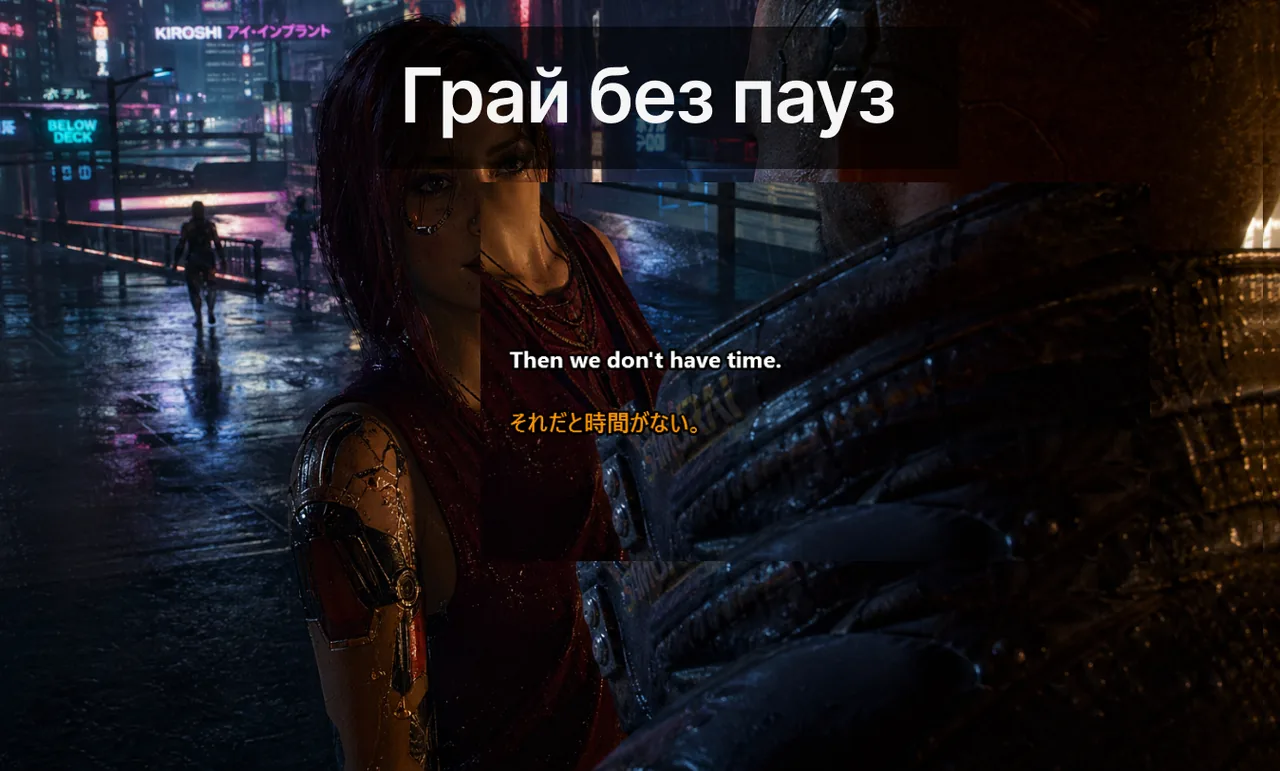
У рейтингових матчах гравці програють раунди не тому, що субтитри «погані». Вони програють через нестабільну комунікацію: випадкові взаємодії з оверлеєм, нечіткі швидкі колаути та пропущений контекст у багатомовному голосовому чаті. Цей гайд зосереджений виключно на надійному налаштуванні субтитрів Game Mode — режиму, розробленого для змагальних ігор.
Зміст
- Головний принцип: стабільність важливіша за візуальні налаштування
- Базове налаштування з першого дня
- Тримарова модель: рендер, взаємодія, комунікація
- Командний воркфлоу для поліпшення якості колаутів
- Базові налаштування за жанрами
- Чеклист перед чергою (90 секунд до натискання «Грати»)
- Чому більшість гравців так і не досягає стабільного налаштування
- Типові патерни дрейфу конфігурації та як їх уникнути
- KPI, які варто відстежувати
- Особливий випадок: стримери та рейтинг одночасно
- Що кажуть гравці після переходу на заморожене налаштування
- Якщо матч все одно відчувається хаотично при ідеально працюючих субтитрах
- Пов'язані ресурси
Головний принцип: стабільність важливіша за візуальні налаштування
Стиль шрифту важливий набагато менше, ніж поведінка взаємодії. Якщо оверлей може перехопити фокус у вирішальний момент — система не працює. Пріоритет: lock-поведінка, чіткий контроль гарячих клавіш і передбачуване відображення у повноекранному режимі. Будь-яка конфігурація, що не відповідає цим трьом умовам, коштуватиме вам раундів.
Базове налаштування з першого дня
Перш ніж натиснути «Грати», переконайтеся, що кожен з наступних пунктів виконаний. Не пропускайте жоден — навіть один незавершений крок може призвести до нестабільності оверлея в середині матчу.
- Увімкніть Lock/Game Mode до входу в чергу — не після.
- Призначте Ctrl+Shift+L як єдину аварійну комбінацію для перемикання.
- Встановіть режим відображення гри на Borderless Fullscreen («Повноекранне вікно»).
- Зафіксуйте позицію субтитрів у нижній фокусній зоні — і більше не пересувайте її.
- Використовуйте короткий, контрастний стиль субтитрів для периферійного читання.
Тримарова модель: рендер, взаємодія, комунікація
Щоб швидко діагностувати будь-яку проблему з Game Mode, розділіть стек оверлея на три незалежних шари. Кожен шар дає збій з різних причин і виправляється в різних місцях.
Шар 1: шлях рендеру
Чи взагалі буде видно вікно субтитрів — залежить від режиму відображення гри. Exclusive Fullscreen використовує окремий swap chain, що приховує поверхні desktop compositor; саме тому деякі ігри «втрачають» оверлей субтитрів під час клатчу. Переключіться на Borderless Fullscreen (іноді позначається як «Fullscreen Windowed»), щоб compositor залишався керуючим. У Windows 11 це також розблоковує Auto HDR для гри без втрати видимості оверлея.
Шар 2: шлях взаємодії
Якщо оверлей видно, але він випадково перехоплює фокус — ваші кліки мишею потрапляють у вікно субтитрів, а не в гру. Lock/Game Mode, що перемикається через Ctrl+Shift+L, робить оверлей прохідним для подій введення: кліки передаються у гру, оверлей залишається видимим, і ви ніколи не втратите фокус під час піку.
Шар 3: шлях комунікації
Навіть при ідеальному рендері та заблокованому оверлеї субтитри не допоможуть, якщо колаути нечіткі. Движок субтитрів не може відновити зміст, який мовець ніколи не формулював чітко. Словникова дисципліна на рівні команди перетворює зашумлений колаут на придатний до читання рядок субтитрів.
Командний воркфлоу для поліпшення якості колаутів
Технічна конфігурація — лише половина рівняння. Командна дисципліна в голосовому спілкуванні визначає, чи будуть субтитри корисними чи лише красивим текстом на екрані.
До матчу
- Узгодьте ключову термінологію колаутів по всьому складу.
- Визначте терміни карти та абревіатури один раз — і дотримуйтесь їх постійно.
- Переконайтеся, що всі використовують однакову поведінку lock-перемикача.
Під час матчу
- Надавайте перевагу коротким колаутам: дія + локація + тайминг.
- Уникайте довгих пояснень під час піків бойових фаз.
- Використовуйте підтвердження субтитрів для ризикованих ротацій.
Розбір після матчу
- Зберіть 5–10 повторюваних патернів колаутів.
- Видаліть неоднозначні формулювання, що спричинили плутанину.
- Закріпіть оновлений командний глосарій у Discord.
Базові налаштування за жанрами
Наведена нижче таблиця — перевірена відправна точка для найпопулярніших жанрів змагальних ігор. Усі режими рекомендують Borderless Fullscreen; різниця — у позиції та таймауті субтитрів.
| Жанр | Режим відображення | Позиція субтитрів | Таймаут |
|---|---|---|---|
| Тактичний FPS (CS2, Valorant) | Borderless Fullscreen | Нижній лівий, поза HUD | 2,0 с |
| Battle Royale (Apex, PUBG) | Borderless Fullscreen | Нижній центр, над патронами | 2,5 с |
| MOBA (LoL, Dota 2) | Borderless Fullscreen | Нижній центр, далі від мінімапу | 3,0 с |
| MMO-рейд (WoW, FFXIV) | Borderless Fullscreen | Верхній правий, біля фреймів загону | 3,5 с |
Чеклист перед чергою (90 секунд до натискання «Грати»)
Виконуйте ці кроки в порядку черговості. Якщо хоч один крок не пройдено — не входьте в чергу. Виправляти баг рендеру між раундами — це саме те, що коштуватиме вам матч.
- Переконайтеся, що Lock/Game Mode увімкнено. Іконка замка повинна світитися зеленим у системному треї.
- Натисніть Ctrl+Shift+L один раз і спостерігайте, як оверлей короткочасно блимне — це підтвердить прив'язку гарячої клавіші.
- Відкрийте вікно гри. Рамка субтитрів має залишатися поверх гри, не перехоплюючи фокус.
- Вимовте коротку тестову фразу. Субтитр має з'явитися протягом 600 мс.
- Активно рухайте мишею по зоні субтитрів. Прицільна точка не повинна «притягуватися» до краю оверлея.
Чому більшість гравців так і не досягає стабільного налаштування
Найбільша причина, чому «субтитри нестабільні в рейтингових матчах» — не движок субтитрів. Це дрейф конфігурації. Гравці підлаштовують непрозорість, розмір шрифту та налаштування таймауту між сесіями, а потім забувають, яка збірка спрацювала. Наступного рейтингового вечора половина оверлея поводиться інакше, і команда звинувачує інструмент. Цей гайд пропонує ставитися до конфігурації як до «замороженого артефакту»: як тільки змагальне налаштування відпрацьовано, його не можна змінювати впродовж тижня.
Типові патерни дрейфу конфігурації та як їх уникнути
- «Повзун непрозорості». Гравці збільшують непрозорість після кожного патча, посилаючись на проблеми з видимістю. Через три патчі субтитр перетворюється на суцільний блок, що перекриває HUD. Зафіксуйте непрозорість на рівні 70% і заборонить будь-які зміни в середині сезону.
- «Нова гаряча клавіша після кожного перевстановлення». Оновлюються драйвери — скидаються гарячі клавіші. Залиште однорядковий запис у закріпленому повідомленні Discord: «Ctrl+Shift+L = перемикач блокування субтитрів». Перевіряйте після кожного оновлення функцій Windows.
- «Рухомий оверлей». Перетягування оверлея на нову позицію перед кожною зміною жанру призводить до дробових зсувів у невірний монітор у багатодисплейних сетапах. Виберіть одну позицію для кожного профілю гри й ніколи не переміщуйте її вручну.
KPI, які варто відстежувати
Чіткі метрики допомагають команді побачити реальний ефект від субтитрів — а не просто відчути його. Відстежуйте ці показники протягом кількох матчів, щоб зрозуміти, чи конфігурація справді поліпшує комунікацію.
- Повторні запити: кількість «повтори» або «що ти сказав?» за матч.
- Затримка колаутів: час від голосового сигналу до реакції команди.
- Помилки ротації: неправильний рух через нечіткі голосові дані.
- Якість комунікації у клатчах: суб'єктивна оцінка від IGL (in-game leader).
Особливий випадок: стримери та рейтинг одночасно
Якщо ви стрімите паралельно з рейтинговим матчем — не запускайте окремий профіль субтитрів для стріму. Використовуйте один профіль, а потім дозвольте OBS захопити робочий стіл разом із рамкою субтитрів. Два одночасних overlay-движки борються за фокус введення та повертають саме ту нестабільність, яку Lock Mode покликаний усунути. Докладніше про налаштування оверлеїв у повноекранному режимі читайте у гайді з усунення несправностей повноекранного оверлея.
Що кажуть гравці після переходу на заморожене налаштування
Анонімізовані дані скваду CS2 за один рейтинговий сезон: середня частота «повторних колаутів» впала з 4,1 за матч до 1,6 після того, як команда зафіксувала один профіль субтитрів на пул карт. Покращення прийшло не від зміни функцій — воно прийшло від усунення варіативності конфігурації. Цей самий принцип підтвердили й команди, що грають у Valorant, Apex Legends та Dota 2.
Якщо матч все одно відчувається хаотично при ідеально працюючих субтитрах
Проблема — в комунікації, а не в рендері. Перечитайте розділ командного воркфлою вище та закріпіть глосарій із 10 термінів. Шар субтитрів не може врятувати неструктуровані колаути — він лише пришвидшує парсинг структурованих. Якщо вас цікавить, як субтитри працюють у ширшому контексті голосового зв'язку, ознайомтесь зі статтею про субтитри для голосових чатів та загальним оглядом субтитрів у реальному часі.
Пов'язані ресурси
- Сторінка субтитрів Game Mode
- Субтитри для Discord і Twitch у реальному часі
- Гайд з усунення несправностей повноекранного оверлея
Спробуйте налаштування в наступній сесії
Використовуйте один стабільний профіль субтитрів Live Subtitles для ігор, голосового чату та стрімів — і більше не налаштовуйте його щоразу.
Завантажити безкоштовно